Search the directory
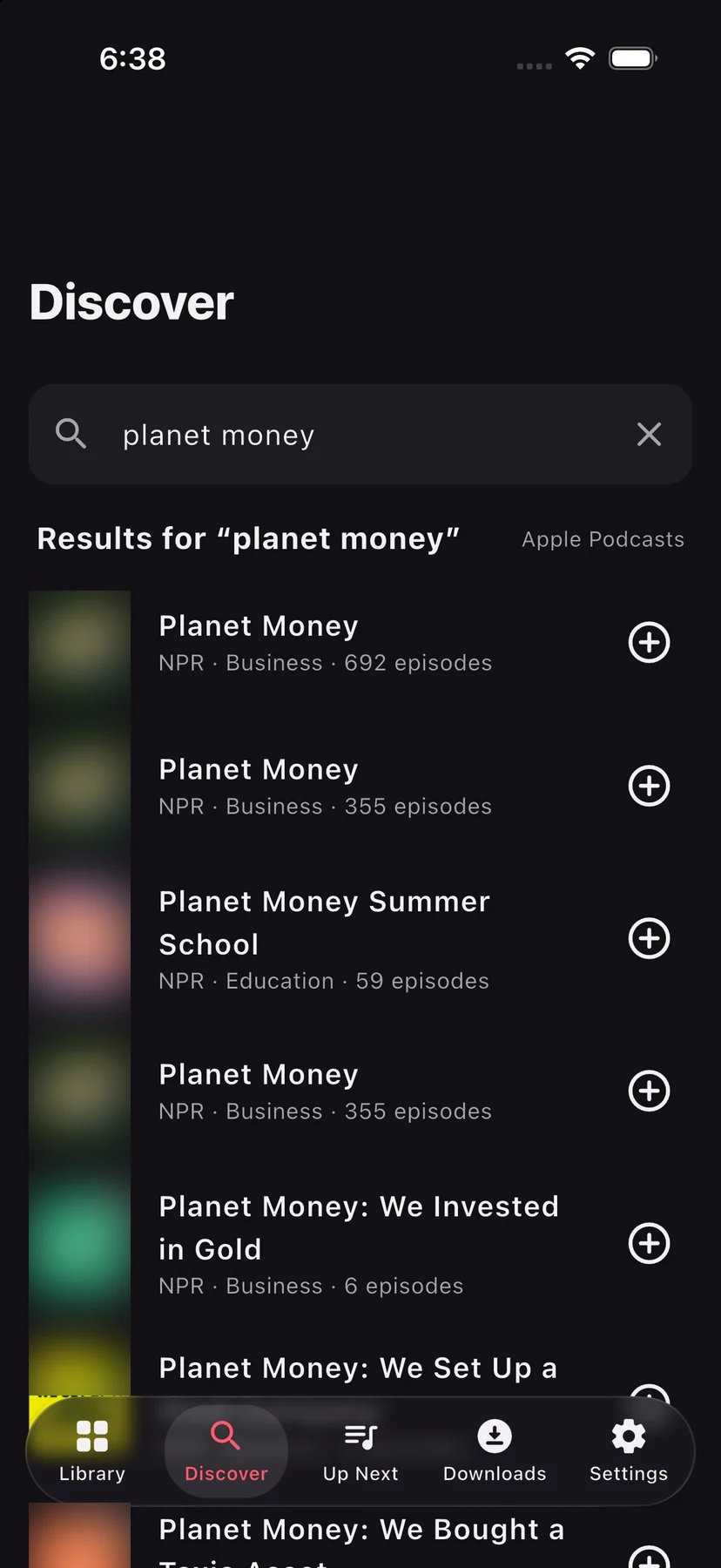
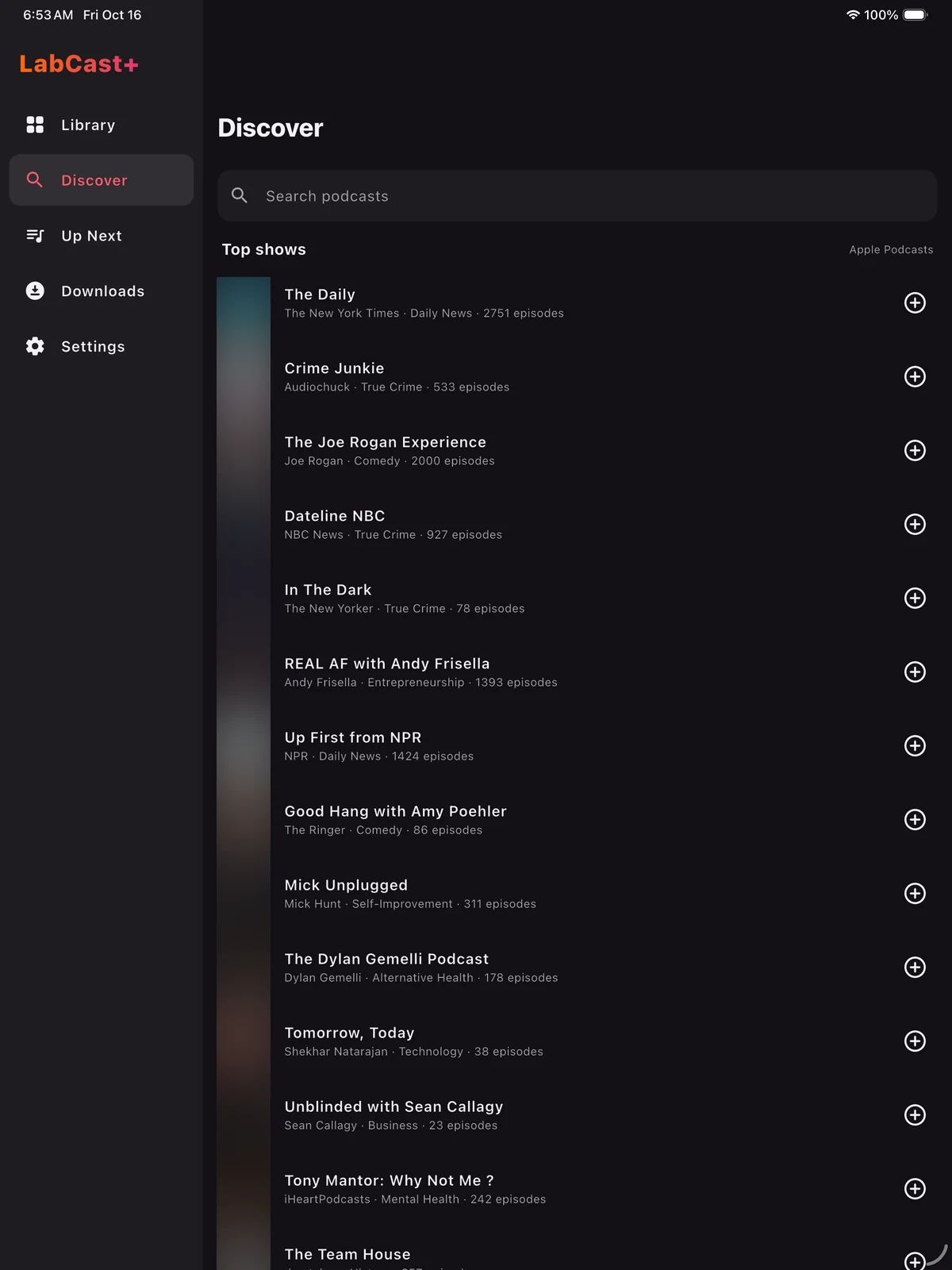
Search Apple’s podcast directory, the same catalogue the Podcasts app uses, or browse the top shows for your country. One tap subscribes.
Coming soon · iPhone, iPad & Android
LabCast+ is a podcast player for iPhone, iPad and Android. Search for a show or paste its link, stream it or download it for later, watch video podcasts full screen, and bring your subscriptions with you in an OPML file. No account, no ads, no tracking.
Free to download · Streaming and offline downloads · CarPlay and Apple Watch
Your shows.
Your device.
Nobody in between.
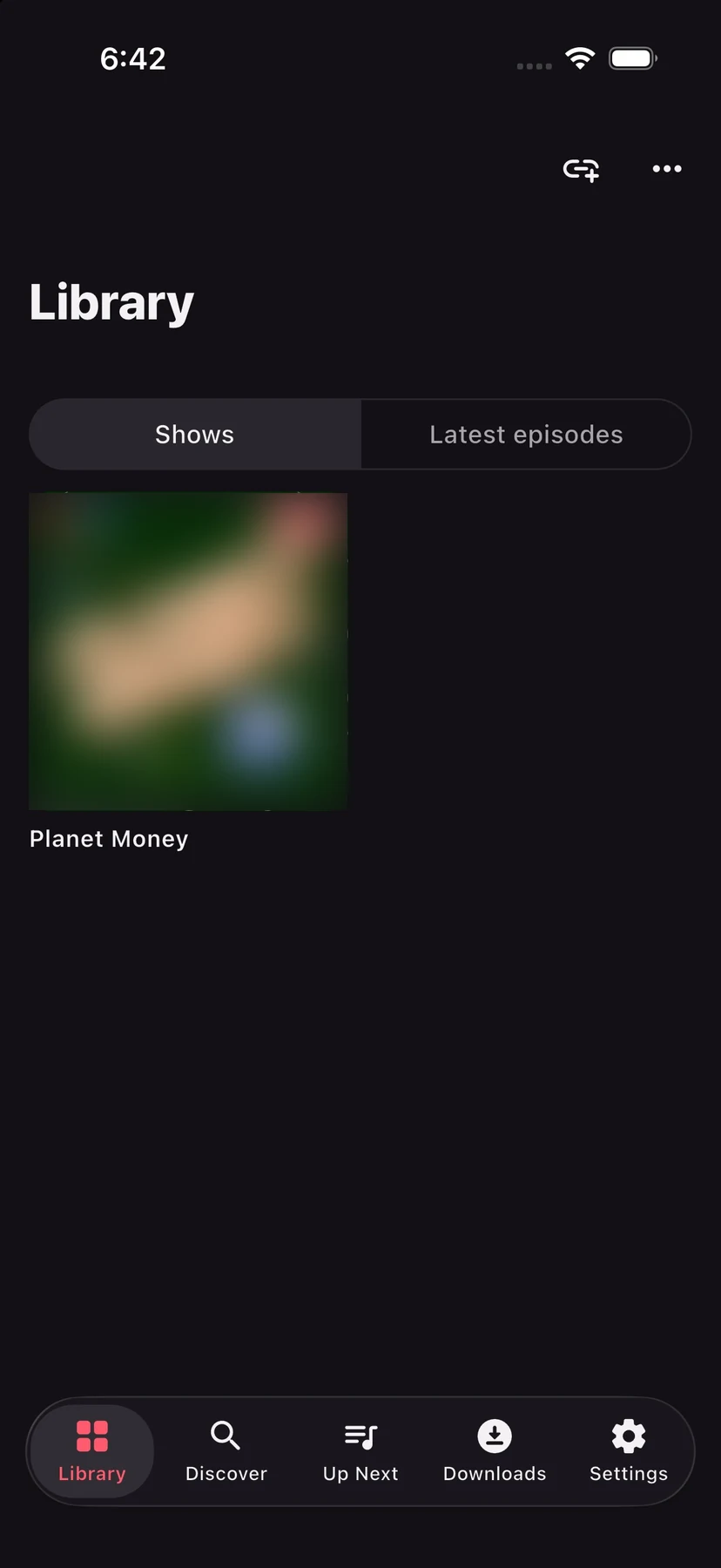
LabCast+ fetches every feed and episode straight from the podcast’s own host. There is no LabCast+ account to sign up for and no server in the middle collecting what you listen to. Your subscriptions live on your device, and you can take them anywhere.
Find and follow
Subscribe however suits you. Every show is a plain RSS feed, so nothing ties you to one app.
Search Apple’s podcast directory, the same catalogue the Podcasts app uses, or browse the top shows for your country. One tap subscribes.
Paste a show’s RSS feed, or a link from Apple Podcasts, and LabCast+ finds the feed and subscribes.
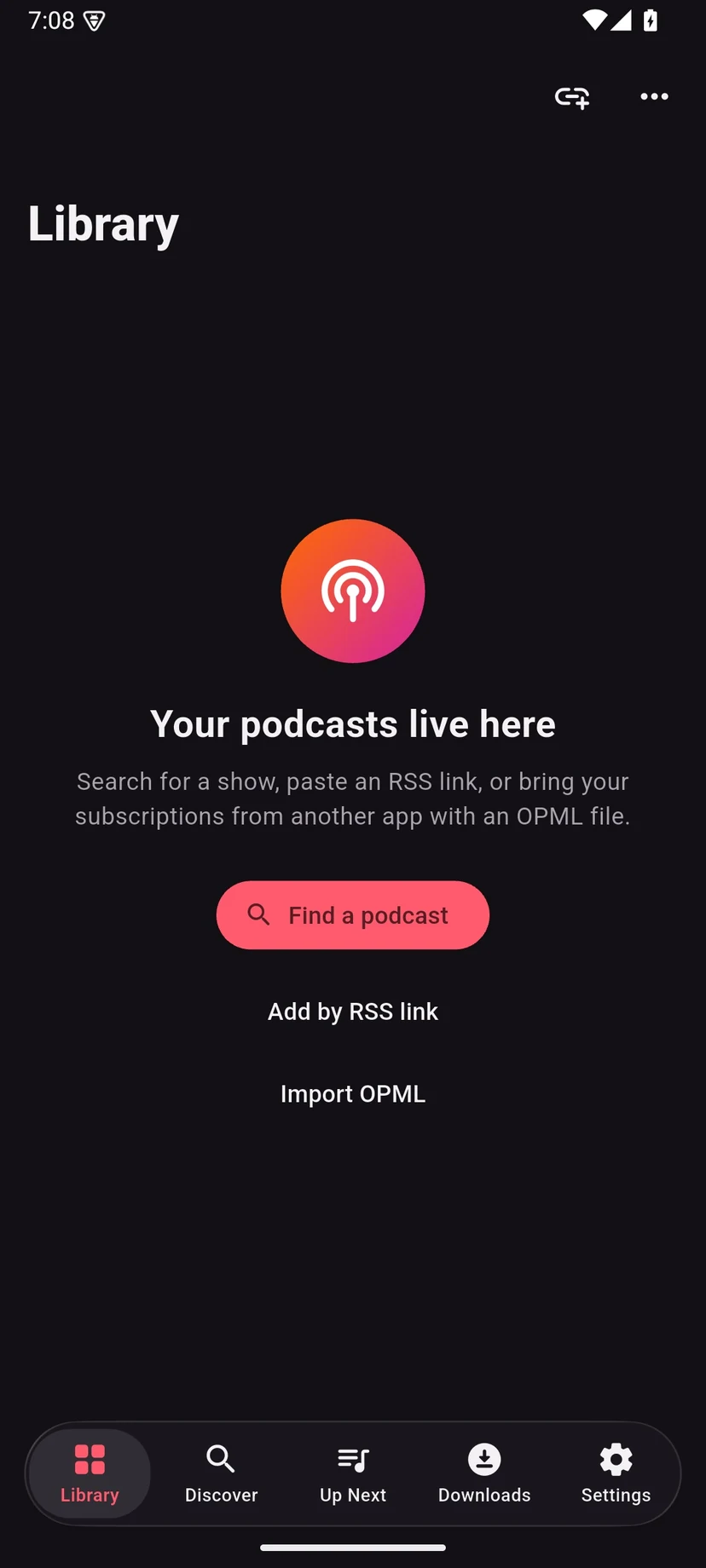
Bring every subscription from another app in one go with an OPML file, and export yours whenever you like. Your list is never locked in.
Video podcasts
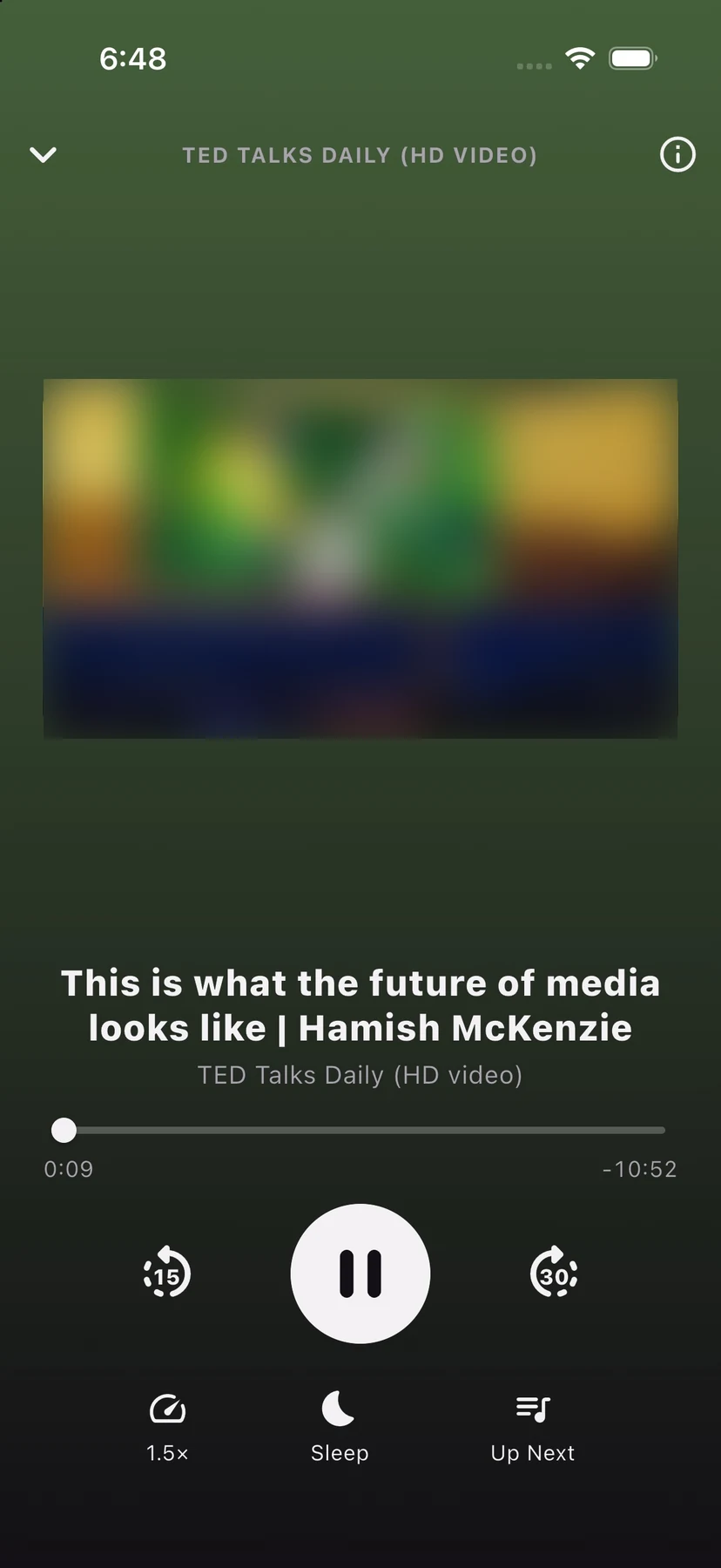
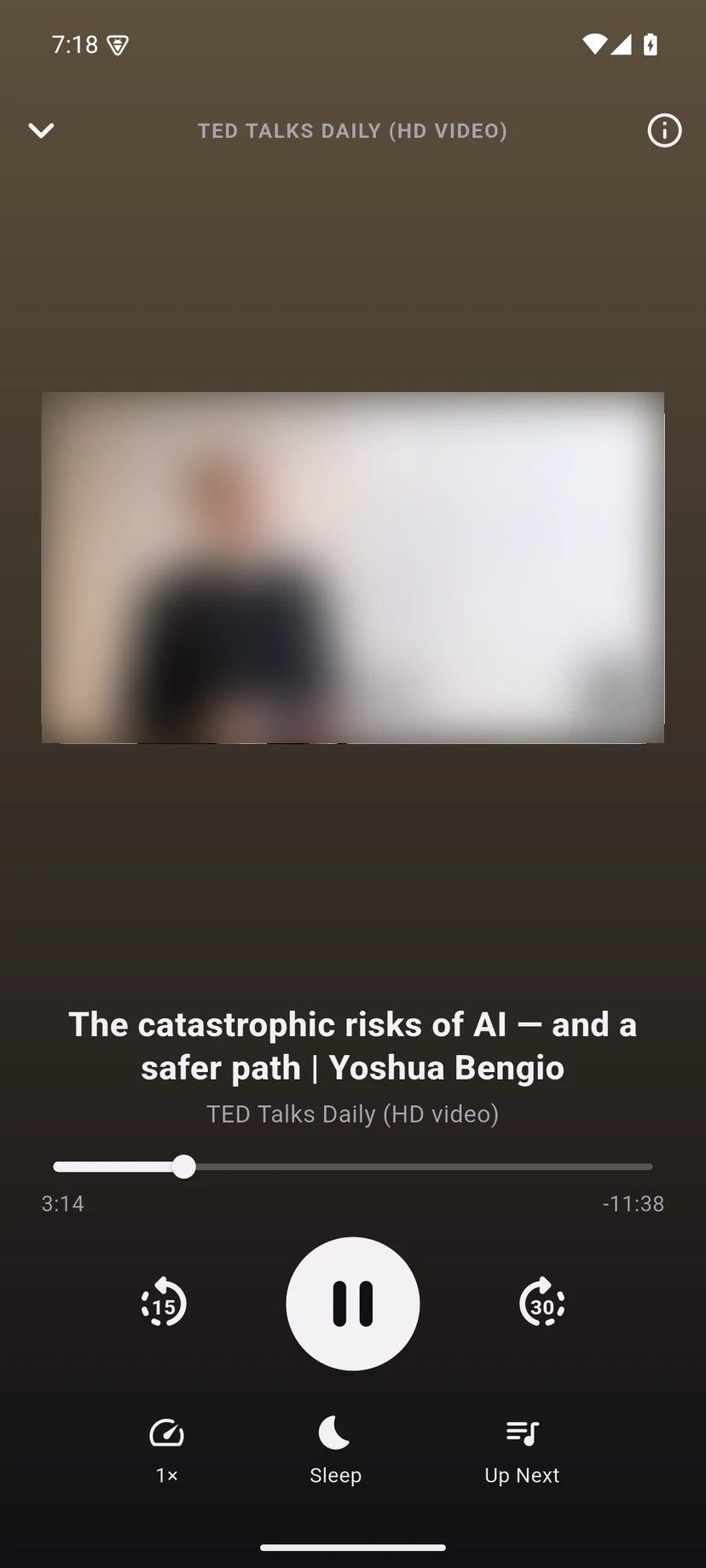
Video episodes play right in LabCast+. Turn your phone sideways for full screen, or put it in your pocket: lock the screen or switch apps and the episode carries on as audio.
The player
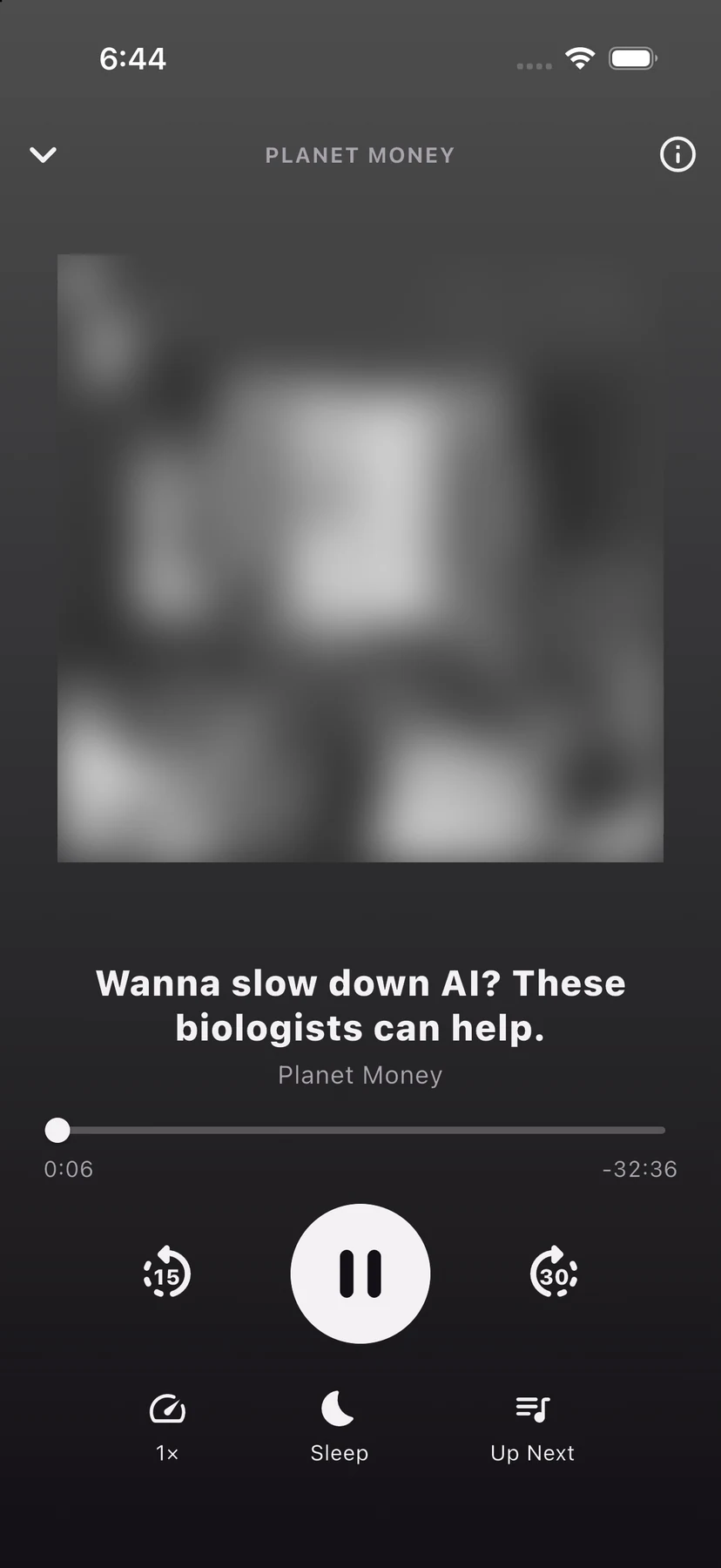
The controls you reach for every day, with chapters and transcripts when a show provides them.
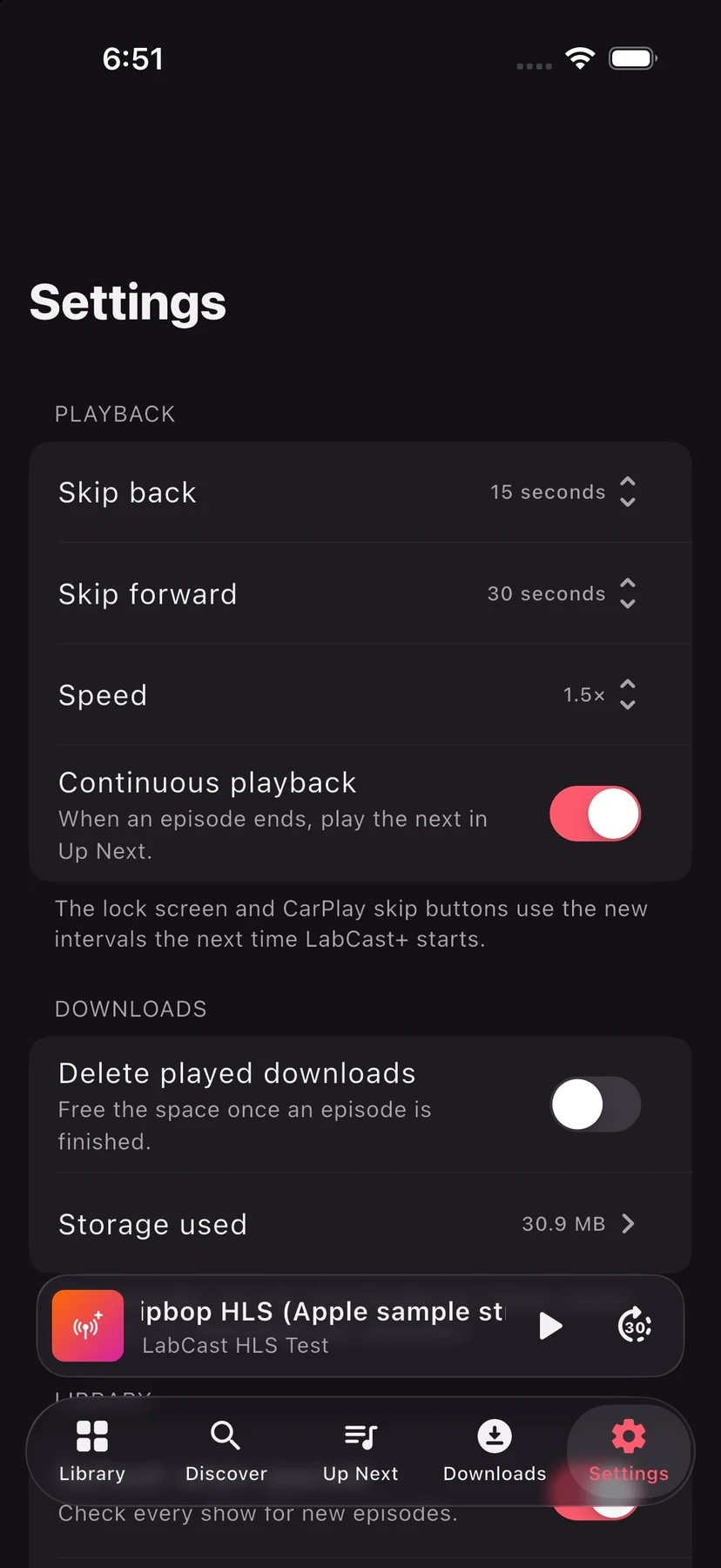
Play from 0.75× to 3×. Skip back and forward by 5 to 60 seconds, set separately, on screen, on the lock screen and in the car.
Stop after 5 minutes or up to 90, or at the end of the episode. Add five more minutes without opening the menu again.
Line up episodes from any show. With continuous playback on, the next one starts when the last one ends, and finished episodes are marked played.
Stream or download
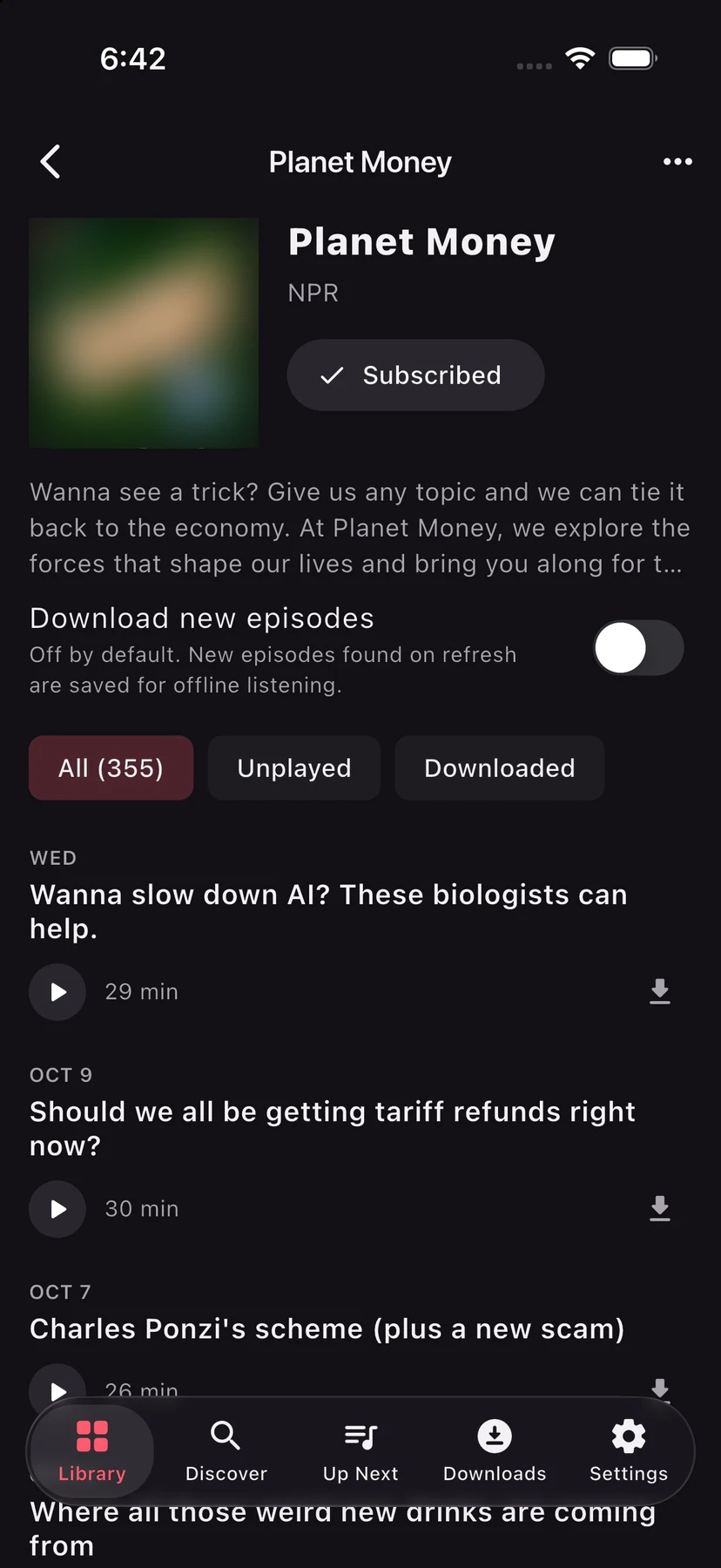
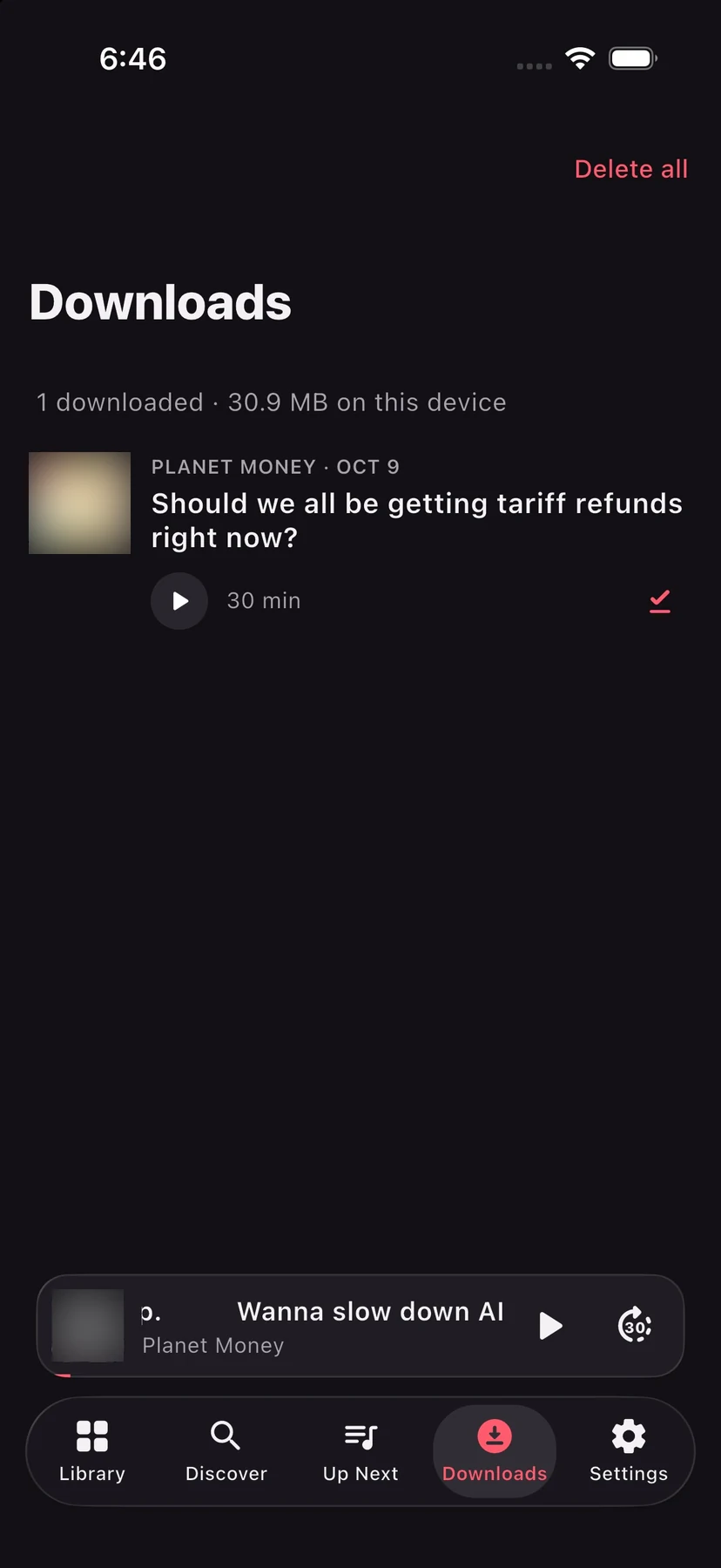
Press play and an episode streams straight away. Download it and it plays with no signal at all. Turn on downloads for a show and new episodes are saved as they arrive.
Beyond the phone
Keep listening without picking up your phone.
Subscriptions, Up Next and Downloads on the dashboard, with your skip buttons.
See what is playing on your iPhone, pause, skip, and pick from Up Next, In Progress or the latest episodes.
Artwork, progress and skip controls on the lock screen and in Control Center on iPhone, and in the media notification on Android.
iPhone, iPad and Android
A sidebar layout on iPad, and the same app on Android.
Screens
Moving from Apple Podcasts
Podcast apps share subscriptions as an OPML file, a plain list of the feeds you follow. LabCast+ imports one in a single step and exports yours at any time from Settings.
Apple Podcasts has no OPML export of its own. On a Mac, a free command-line tool such as podcasts-tools reads the subscription list the Podcasts app keeps on your Mac and writes it out as an OPML file. Send that file to your iPhone, iPad or Android device, then open LabCast+ › Settings › Import OPML.
Only following a few shows? Search for each one in LabCast+, or copy its link in Apple Podcasts (Share › Copy Link) and paste it into LabCast+.
Overcast, Pocket Casts, Castro, AntennaPod and most other podcast apps can export OPML. Export from the old app, then import the file in LabCast+.
Your listening position and played history do not travel in an OPML file, only the list of shows. Episodes start fresh in LabCast+.
Pricing
LabCast+ will be free to download, with no account and no ads. Optional LabCast+ Unlock extras are planned for later.
Free download
LabCast+ Unlock
Optional extras · details to come
If LabCast+ Unlock is offered, it is bought through Apple in the iPhone and iPad app, or through Google Play in the Android app. The store shows the price for your country before you buy.
Questions
Any public podcast with an RSS feed, audio or video, including HLS video streams. You can find shows by searching Apple’s podcast directory, or add any feed by pasting its link.
Yes. Stream any episode right away, or download it to your device and play it with no connection. You can turn on automatic downloads for a show, and have played downloads deleted to free space.
Yes. Video episodes play in the app and full screen in landscape. Lock your phone or switch apps and the episode keeps going as audio.
Export an OPML file from your old app and import it in LabCast+ (Library or Settings › Import OPML). Apple Podcasts has no OPML export of its own; see “Moving from Apple Podcasts” on this page.
LabCast+ will be free to download. Optional LabCast+ Unlock extras are planned; if they come, they are bought through the App Store or Google Play, and the store shows the price before you buy.
No. There is no LabCast+ account, no advertising and no tracking. Your subscriptions, downloads and listening progress are stored on your device.
LabCast+ is coming soon to iPhone and iPad on the App Store, and to Android phones and tablets on Google Play. This page will link to both stores when it is out.
LabCast+
Audio and video. Streamed or downloaded.
Free to download. No account, no ads, no tracking.